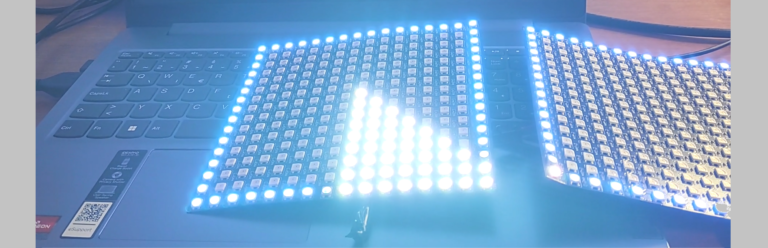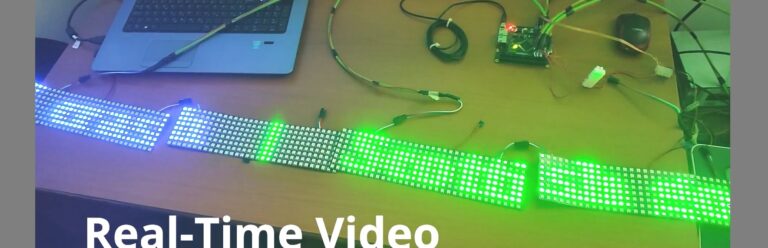
Raspberry Pi Zero Driving 7,200 Addressable RGB LEDs in Real Time
Create HDMI-Driven LED Video Walls With Raspberry Pi and Pixblasters MINI LED Controller
This step-by-step project shows how to build a large real-time LED video display powered by the tiny Raspberry Pi Zero W. Using addressable RGB LEDs – also known as smart pixels – the system can display virtually any HDMI video content on LED strips and LED panels with smooth playback and ultra-low latency.
With the right LED controller, even a compact Raspberry Pi Zero W is capable of driving a massive LED video wall built from thousands of individually addressable LEDs.
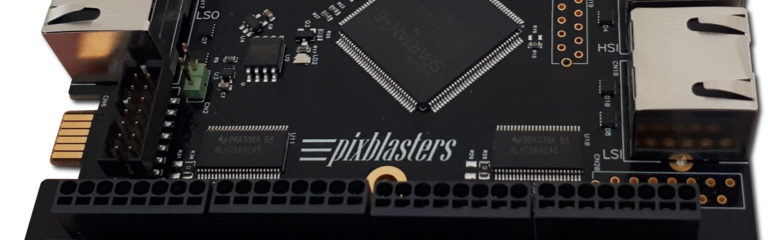
At the heart of the project is Pixblasters MINI — a new cost-effective FPGA-based LED controller recently introduced on the Crowd Supply platform. Designed for high-speed real-time rendering, Pixblasters MINI enables reliable HDMI-type video output across large LED installations without the timing issues common in software-driven solutions.
See the complete build tutorial and technical walkthrough on Hackster:
https://www.hackster.io/pixigreen/big-video-led-display-with-raspberry-pi-zero-w-9dcf61
The Pixblasters MINI is a New Compact LED Pixel Video LED Controller
System Connections
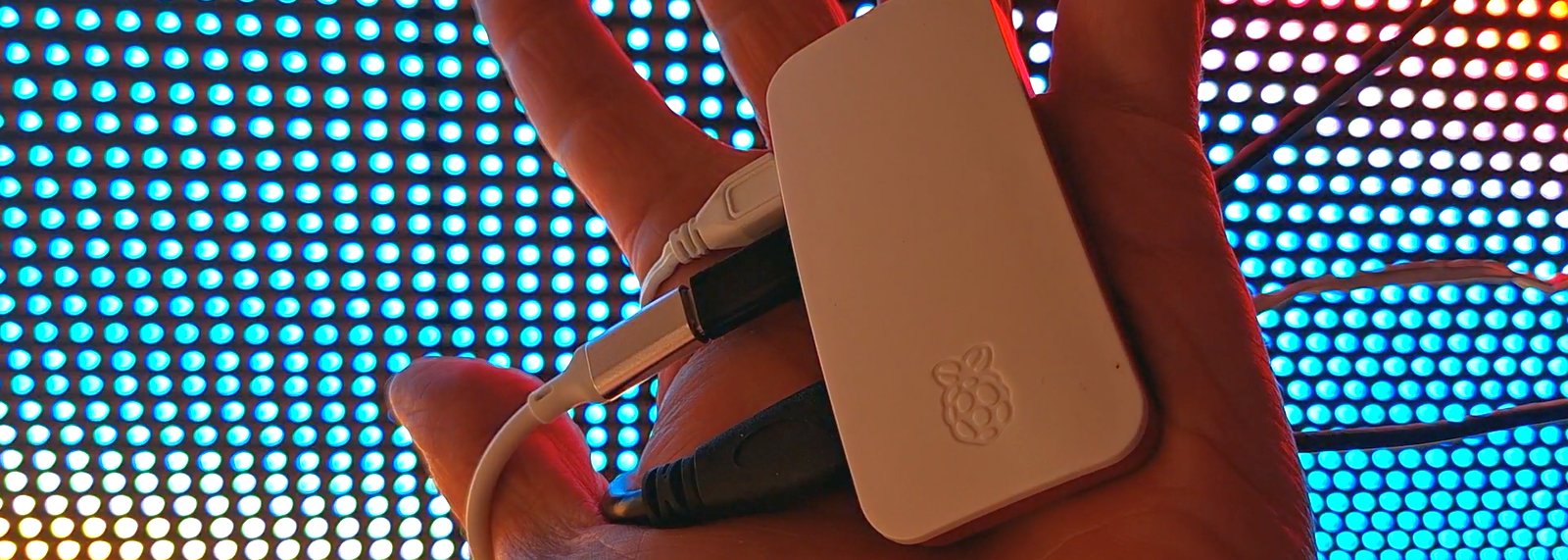
The system architecture of the complete video LED display is extremely simple. A Raspberry Pi Zero W (1) connects to the Pixblasters MINI LED Controller (2) via an HDMI-type video cable. The LED controller is recognized as a standard video monitor, and the Raspberry Pi feeds it with the video signal. There is no processing burden on the microprocessor—the Pi simply drives a monitor!
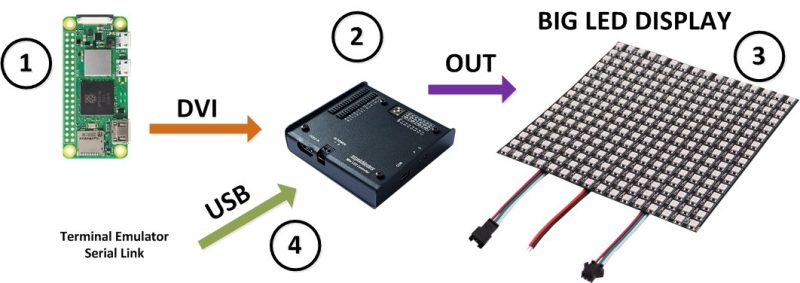
The AMD FPGA-based Pixblasters MINI controller renders a selected portion of the video image onto the attached LED display (3), which can consist of up to 8, 192 RGB LEDs. The display can be built using LED strips or LED panels, including WS2811, WS2812B, and other popular addressable LEDs.
The LED controller (2) is configured using on-board DIP switches. Additional configuration parameters are set only once per board through a simple configuration menu, accessible via a serial connection over a USB-C cable (4).
Separate +5 V DC power supplies must be used to provide sufficient power for the entire LED display.
Conclusion
Building large real-time LED video displays no longer requires expensive industrial hardware or high-end computers. With the combination of Raspberry Pi Zero W and the Pixblasters MINI LED controller, it is possible to create smooth, low-latency video installations using affordable addressable RGB LEDs — with no custom video processing software required.
Whether you are building interactive art installations, digital signage, architectural lighting, or experimental LED projects, Pixblasters MINI makes it possible to scale from simple prototypes to massive LED walls while keeping the system architecture remarkably simple.
To see the complete step-by-step build process, hardware setup, controller configuration, and real-world video demonstrations, check out the full Hackster project: